Qualify New Leads in Spreadsheet Platforms via AI Language Model
Automatically qualifies leads from spreadsheet platforms using an AI language model. The system analyzes lead details, categorizes them as qualified or not, and updates the spreadsheet for easy sorting. By applying consistent scoring criteria, it helps sales teams focus on high-potential prospects and reduces manual workload, improving overall efficiency in lead management.
Benefits
Automated Lead Scoring
Uses AI to assess lead quality, eliminating manual review and errors in the qualification process.
GPT-4 Analysis
Leverages advanced language models to interpret lead information such as company size, industry, and needs for precise classification.
Real-Time Spreadsheet
Flags qualified leads automatically, enabling instant segmentation and easier follow-up actions.
Time Savings
Reduces hours spent on manual screening, allowing teams to focus on nurturing high-potential prospects.
Consistent Criteria
Applies uniform scoring standards across all leads, avoiding human bias and improving accuracy.
How It Works

Lead Data Retrieval
Pulls new lead entries from designated spreadsheet tabs, ensuring all incoming leads are captured.

GPT-4 Processing
Sends lead details to the AI language model for evaluation and scoring based on predefined criteria.

Qualification Logic
Evaluates leads against business-specific parameters such as budget, authority, need, and timeline.
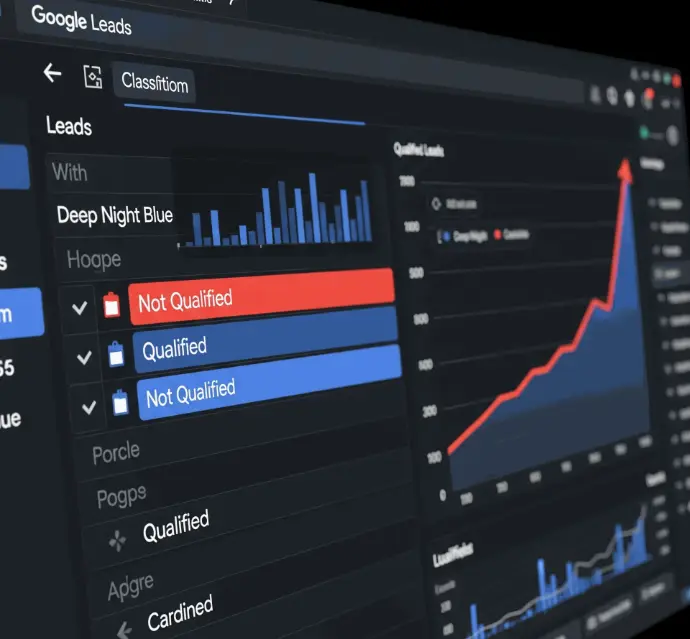
Classification & Labeling
Labels each lead as Qualified or Not Qualified directly in the spreadsheet for easy tracking.
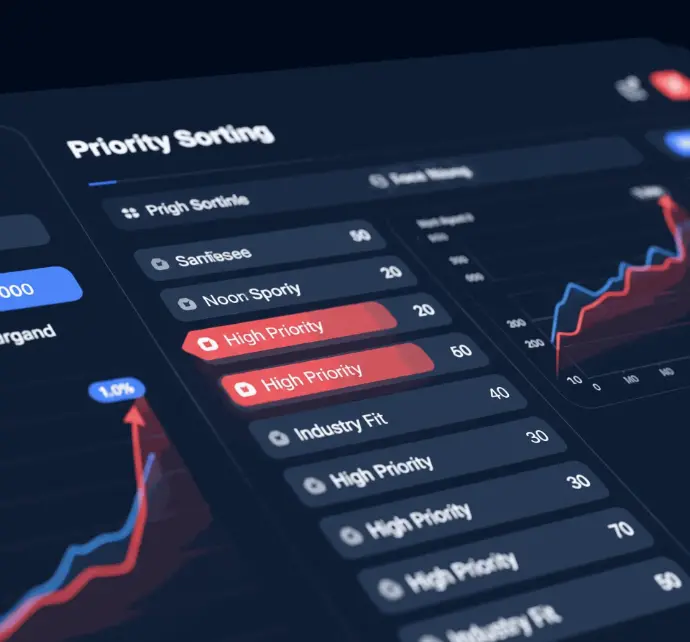
Priority Sorting
Optionally tags high-priority leads based on urgency, industry fit, or additional custom filters.
Use Cases
Sales Teams: Accelerates prospecting by instantly filtering viable leads for faster follow-ups.
Marketing Teams: Identifies high-intent leads for targeted campaigns and promotional strategies.
Startups/SMBs: Streamlines operations with limited resources by prioritizing leads using AI insights.
CRM Managers: Ensures pre-qualified leads flow cleanly into CRM systems, improving data accuracy and workflow efficiency.
Integration and Customization
Spreadsheet Platforms
Reads and writes directly to spreadsheets; compatible with most formats and cloud-based solutions.
AI Language Model API
Analyzes lead details and generates qualification results using natural language understanding.
Flexible Outputs
Adds columns for scores, notes, and follow-up recommendations for enhanced lead management.
CRM Synchronization
Can push qualified leads to CRMs via additional automation, streamlining the sales process.